How to connect to Verifone (Using Ruby2/C18 Screen)
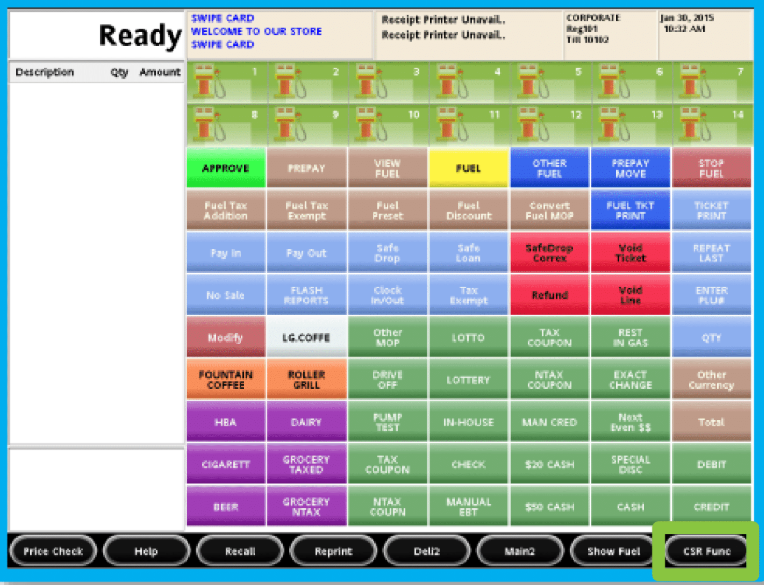
Select CSR FUNCTIONS
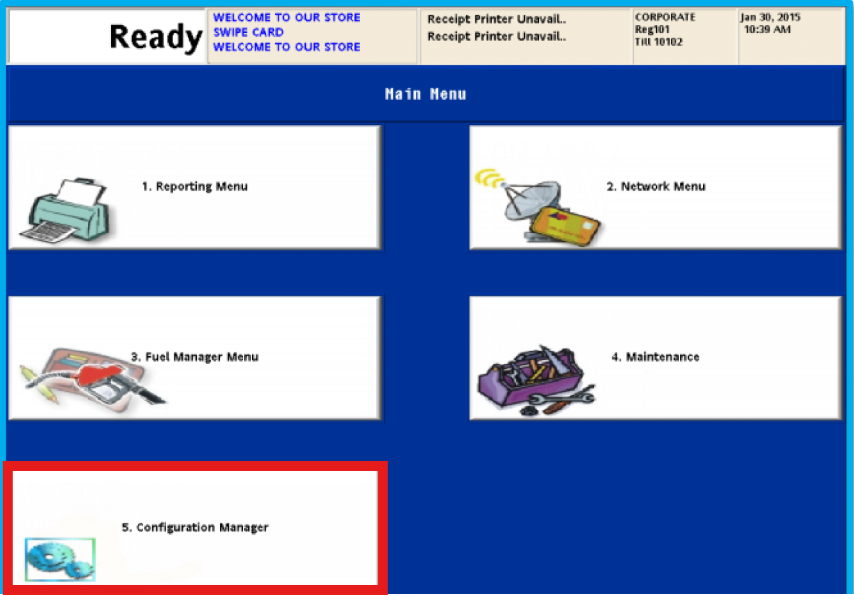
Select Configuration Manager
Setting up the POS User
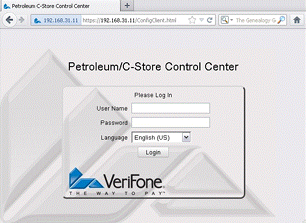
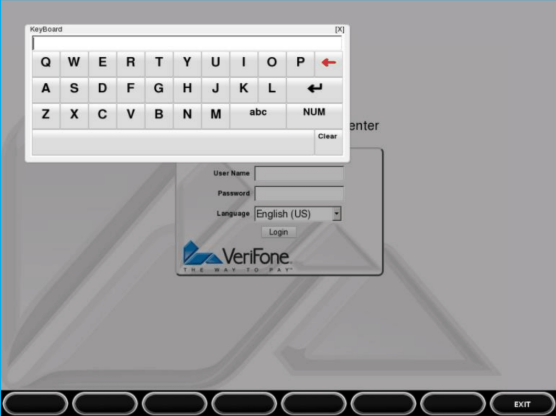
(Touch the text entry field to activate an alpha-numeric keyboard)
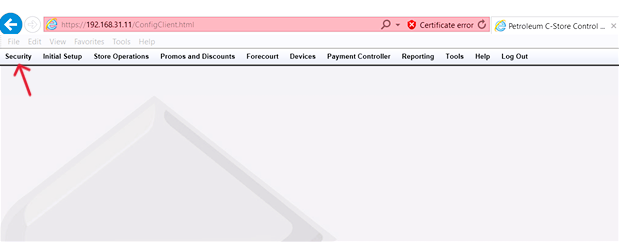
- Click onto the Security tab
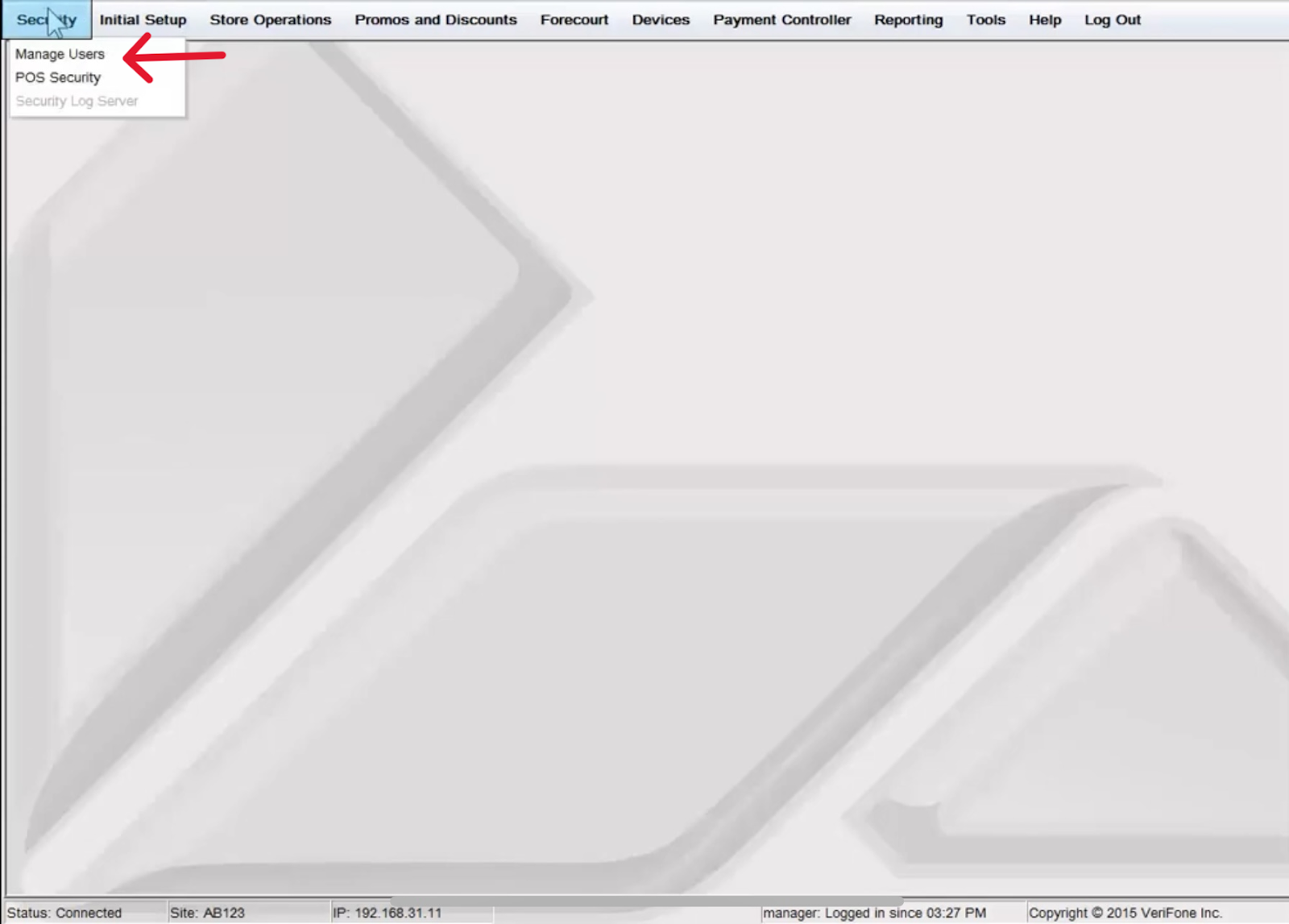
- Click onto the Manage User tab
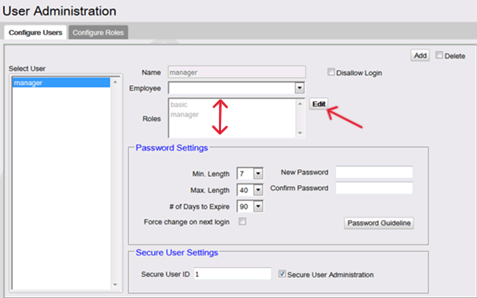
- Click Add to add a new user
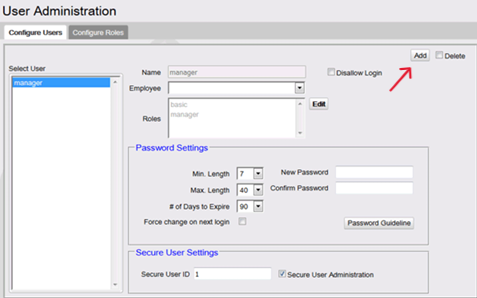
- All Roles will need to be added in the roles box
- Username: PDS
- Password: A123456
- Once created, click Add account to save